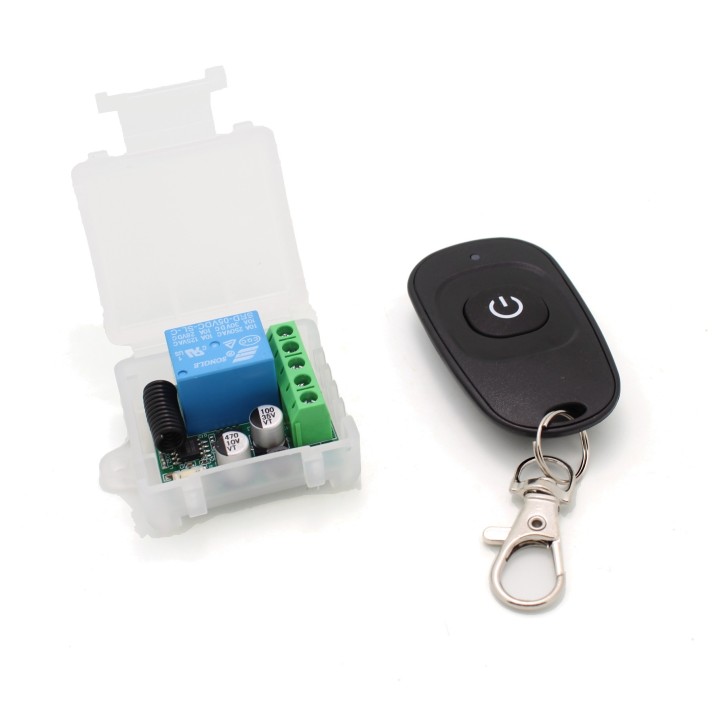
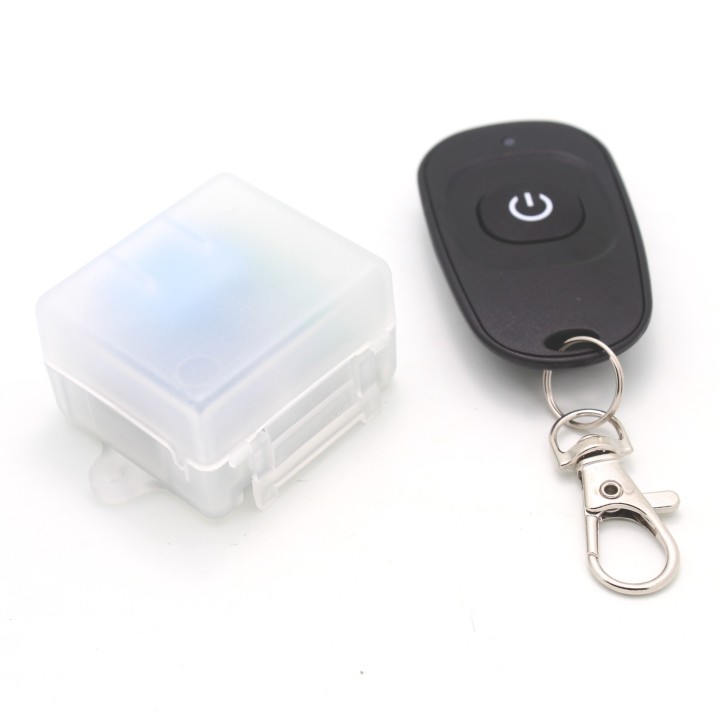
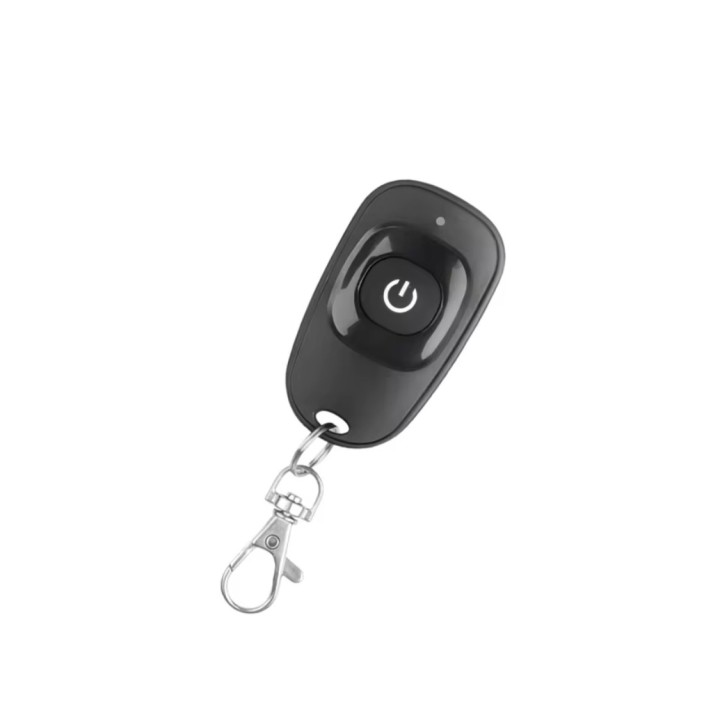
DC 5–30V 433MHz 1-Channel RF Wireless Remote Control for Relay Switch – Transmitter images
DC 5–30V 433MHz 1-Channel RF Wireless Remote Control for Relay Switch – Transmitter
DC 5–30V Input 433MHz 1-Channel RF Wireless Remote Control for Relay Switch – Transmitter. Extra remote control!
DC 5–30V Input 433MHz 1-Channel RF Wireless Remote Control Relay Switch Module – Transmitter
Product Type: 433MHz Wireless Remote Control
Application: DIY Smart Home Projects, Gate/LED/Appliance Control
Compatibility: EV1527 & Learning Code Transmitters
Transmitter Remote Specifications:
-
Frequency: 433MHz
-
Power Supply: 1 × 3V CR2032 Coin Battery (included)
-
Material: Durable PVC
-
Button Count: 1 Button
-
Dimensions: 59mm × 28mm × 8mm
-
Current Consumption: 12mA
-
Transmit Power: 10mW
-
Modulation: ASK (AM)
-
Encoding Type: Learning Code
-
Transmission Distance: 20–50 meters
Programming Instructions:
Clear All Codes:
-
Press the Learning Button on the receiver 8 times
-
All paired remotes will be erased
-
Reprogramming is required after reset
Pairing Remote – Momentary Mode:
-
Press the Learning Button once
-
LED turns off – enters learning mode
-
Press the desired remote button
-
LED blinks then stays ON after 3 seconds – pairing successful
Pairing Remote – Toggle Mode:
-
Press the Learning Button twice
-
LED turns off – enters learning mode
-
Press the remote button you want to pair
-
LED blinks then stays ON – pairing successful
Learning the Code: Latching Mode
Important: In Latching Mode, you must program two different buttons — one for ON and one for OFF. (for this mode you need a different 433mhz remote with 2 buttons other than the one included)
-
Press the learning button on the receiver three times
-
The LED indicator will flash briefly and turn off, indicating it's in latching learning mode
-
Press the remote button A (this will act as the ON command) – the LED flashes 5 times
-
Press the remote button B (this will act as the OFF command) – the LED flashes 5 times again
-
After 3 seconds, the LED turns back on – learning completed successfully
Example:
-
Button A = ON
-
Button B = OFF
⏱️ Learning the Code: Time Delay Mode
Time delay modes allow the relay to stay active for a set time after the remote is pressed.
-
5-Second Delay: Press the learning button 4 times
-
10-Second Delay: Press the learning button 5 times
-
15-Second Delay: Press the learning button 6 times
Steps:
-
Press the learning button 4, 5, or 6 times depending on your desired delay time
-
The LED will turn off – module enters delay learning mode
-
Press the remote control button to pair
-
The LED flashes and then turns off
-
After 3 seconds, the LED turns on again – time delay learning successful
⚡ Power-On Function Learning (Auto-On After Power Loss)
This feature allows the relay to automatically turn ON when power is restored (ideal for lights, alarms, etc.).
-
Press the learning button 8 times in succession
-
The LED indicator will blink once, then stay lit
-
Press the remote button you wish to assign
-
The LED will flash 3 times – power-on function learning successful
Note:
-
This is also known as the “power-on auto-start” or “power restore activation” mode.
-
If you want to switch to other operating modes later, you must clear all codes first by resetting the receiver.
-
Key Features:
-
Wide Voltage Support (DC 5V–30V) – Ideal for multiple power environments
-
Stable RF Performance – Superheterodyne receiver ensures low interference and strong signal
-
Versatile Control Options – 4 operational modes suit various use cases
-
Compact, DIY-Friendly Design – Perfect for smart home projects and automation systems
-
Remote Learning Code Compatibility – Supports learning code remotes like EV1527
Package Includes:
-
1 × 433MHz 1-Button Remote Transmitter
-
1 × Pre-installed Battery (CR2032)
-
Brand

-
ReferenceTS4372
-
In stock13 Items
4 other products in the same category
Viewed products
- Online only