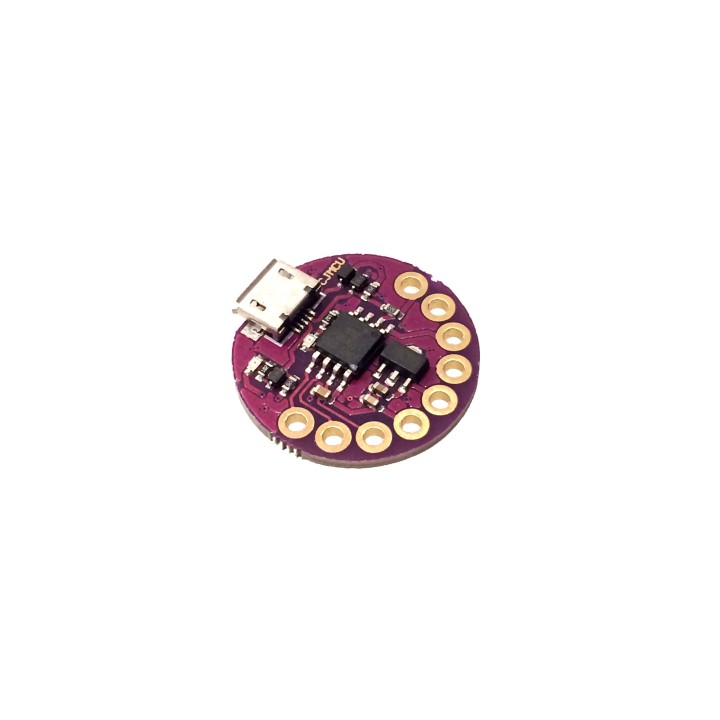
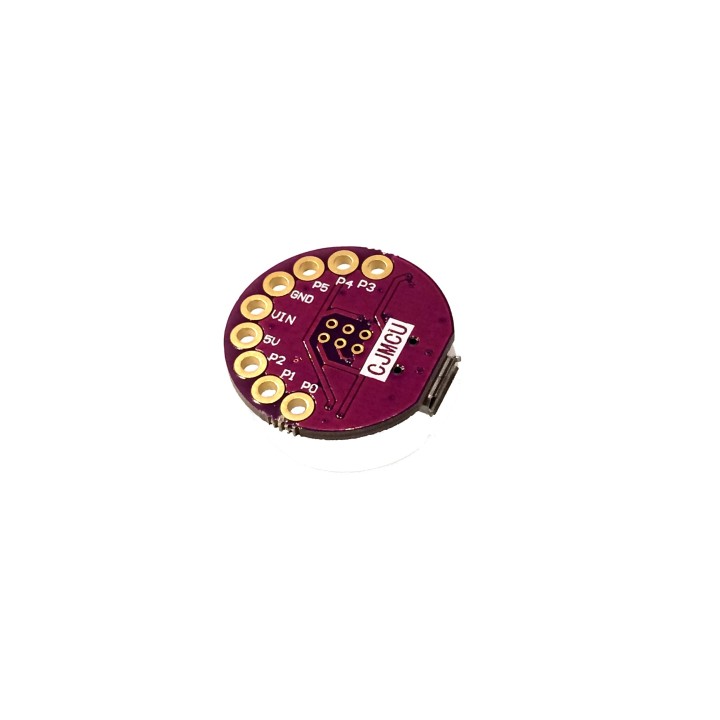
Lilytiny with USB port (Mini Arduino-Compatible E-textile Controller) images
Lilytiny with USB port (Mini Arduino-Compatible E-textile Controller)
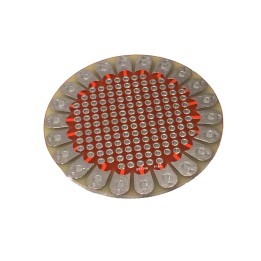
Light up your clothing by sewing the Lilytiny into your next outfit! Just plug in a MicroUSB cable and use the Arduino IDE to program.
No more breadboards and wires in your favorite fabric projects! This little sister to the Lilypad USB is an Arduino-Compatible e-textile control board with super small size! Just sew onto the conductive pads of the board with conductive thread to create a circuit! This is the greatest way to work with smart e-textiles while keeping a small form factor!
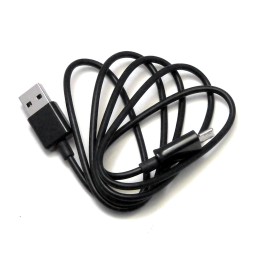
This Lilytiny has a MicroUSB port right on it for easy powering and programming compared to other Lilytiny boards! Just plug it straight into your computer with any MicroUSB cable! Arduino-Compatible so you can use it with the Arduino Software!
How to use your Lilytiny:
- Prepare your fabric
- Sew your Lilytiny onto your fabric
- Sew any sensors, LEDs, or other electronic components to your fabric
- Connect the electronic components to the Lilytiny's pads using conductive thread in place of wire
- Now that you have your circuit, plug your Lilytiny into your computer using a MicroUSB cable and program it (or load the code you've downloaded for your project) using the Arduino Software.
- Plug your USB cable into a battery pack or sew a regular battery pack between 7 and 12V to the VIN and GND pads of the Lilytiny.
- WATCH YOUR OUTFIT COME TO LIFE!
Specifications:
- Power via USB or Battery
- Battery power input (on VIN and GND pins): 7V - 35V DC (12V max is recommended)
- Regulator built in so you can use a wide range of power input voltages
- micro USB port for programming & power
- Num I/O Pins: 6
- Flash Memory: 8k (6k with bootloader)
- I2C and SPI compatible (via USI)
- 3 PWM capable pins by default (more possible with Software PWM)
- 4 analog input pins
- Indicator LED
Useful Tutorial for Connecting and Programming your Lilytiny ATtiny85 Breakout Board: https://digistump.com/wiki/digispark/tutorials/connecting
-
Brand

-
ReferenceTS1146
-
In stock19 Items
4 other products in the same category
Viewed products